
Free · Open Source
A 3D viewer that shows all your models at once
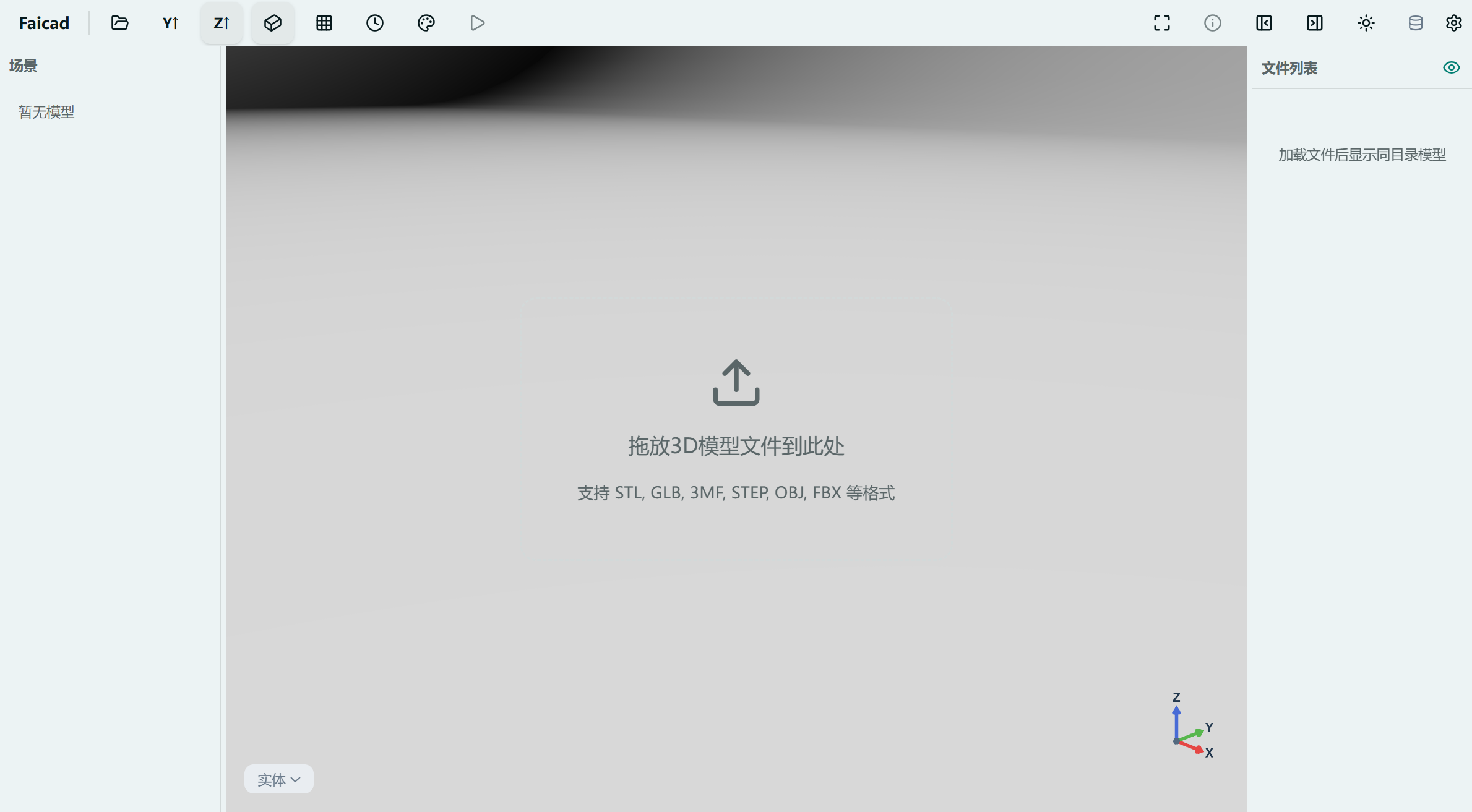
Open one file and every supported model in the same folder is listed — click to switch previews. 33+ 3D formats, Windows / macOS / Linux.
Multi-file preview
Almost every 3D viewer opens one file at a time. The Faicad 3D Viewer breaks that limit: drag in any 3D file and every supported model in the same folder is listed in the side panel — click to switch. Pick parts, compare versions, find files — in one place.
- Drag in any 3D file
- Every model in the folder is listed automatically
- Click a file to switch previews
33 3D formats + 4 utility formats
Mesh 14
STLGLBGLTF3MFOBJPLYFBXDAE3DSUSDZDRCAMFLWO3DM
CAD 6
STEPSTPZIGESBREPFreeCADOpenSCAD
Professional 13
IFCBVHMD2XYZPDBPCDVTKNRRDGCodeWRLVOXKMZModel
Utility 4
SVGDXFHDREXR
More capabilities
One-click export
Right-click a file name to export any model as STL / 3MF / GLB.
PBR rendering
Physically based rendering with true metals and roughness.
Bilingual UI
English & Chinese interface, light/dark adaptive.
Fully local
All rendering is local; files are never uploaded.
Free & open source
Fully open source. No account, no paywall.
Cross-platform
Windows 10/11, Linux, macOS (Apple Silicon + Intel).